
Downloads

Download ISINDI plugins

Choose the product, request a trial key, or buy a permanent license. Retrig MP Trigger and Remiq AD Sampler are both in beta and are updated as the workflow evolves.

New free upgrade
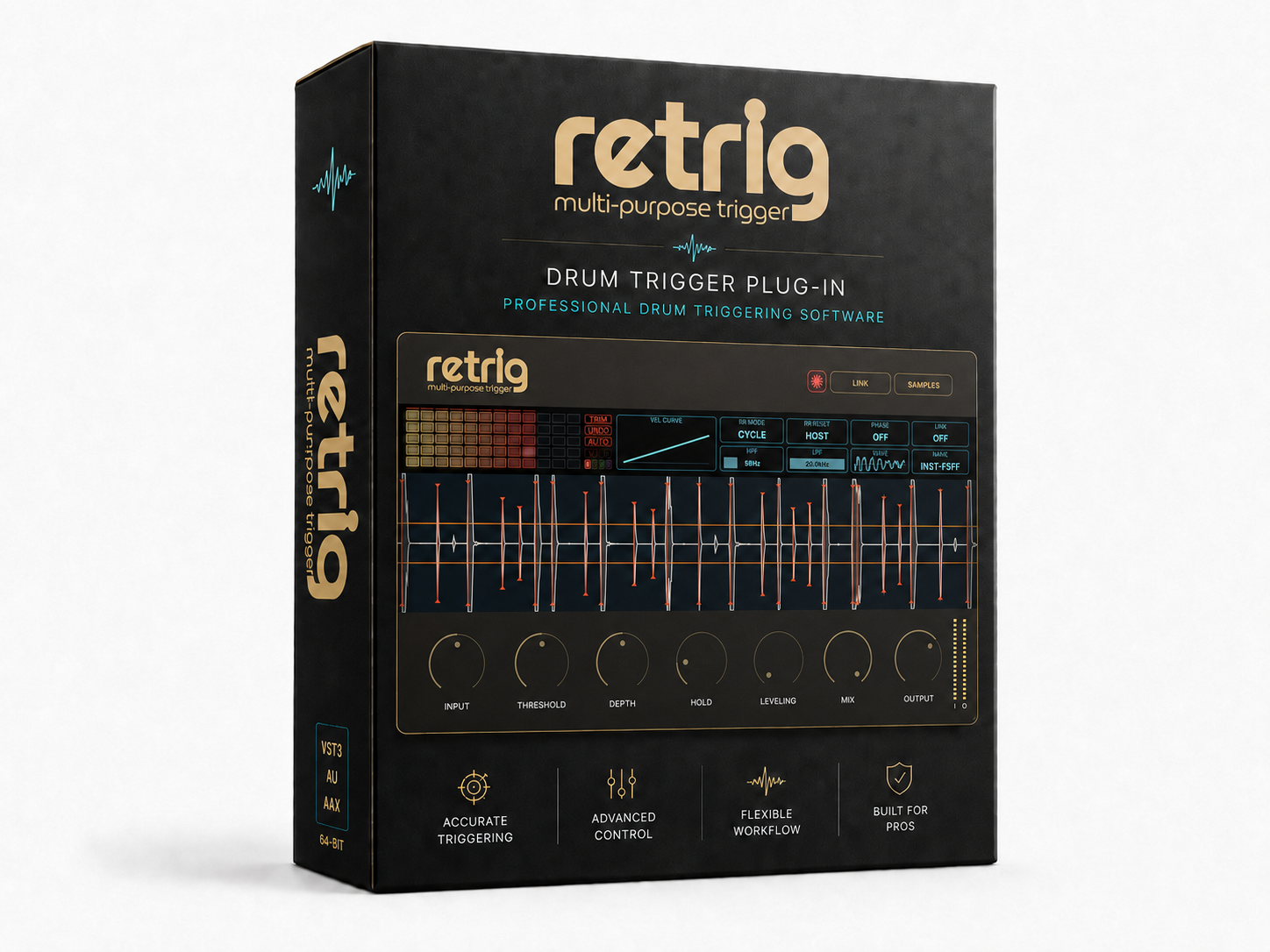
Retrig MP Trigger software box

Drum trigger plugin

Retrig MP Trigger

Replace or reinforce live drum hits with your own samples. Shape detection, dynamics, velocity response, round-robin playback and sample layering in one clear workflow.

$39
  • macOS VST3 / Audio Unit
  • Windows VST3
  • Includes Live Mode for low-latency mic-triggered performance.
  • Free Sample Pack

Apple notarization and Windows signing are still in progress. The installer may show security warnings; use the included installation guide.

BuyTry
New free upgrade
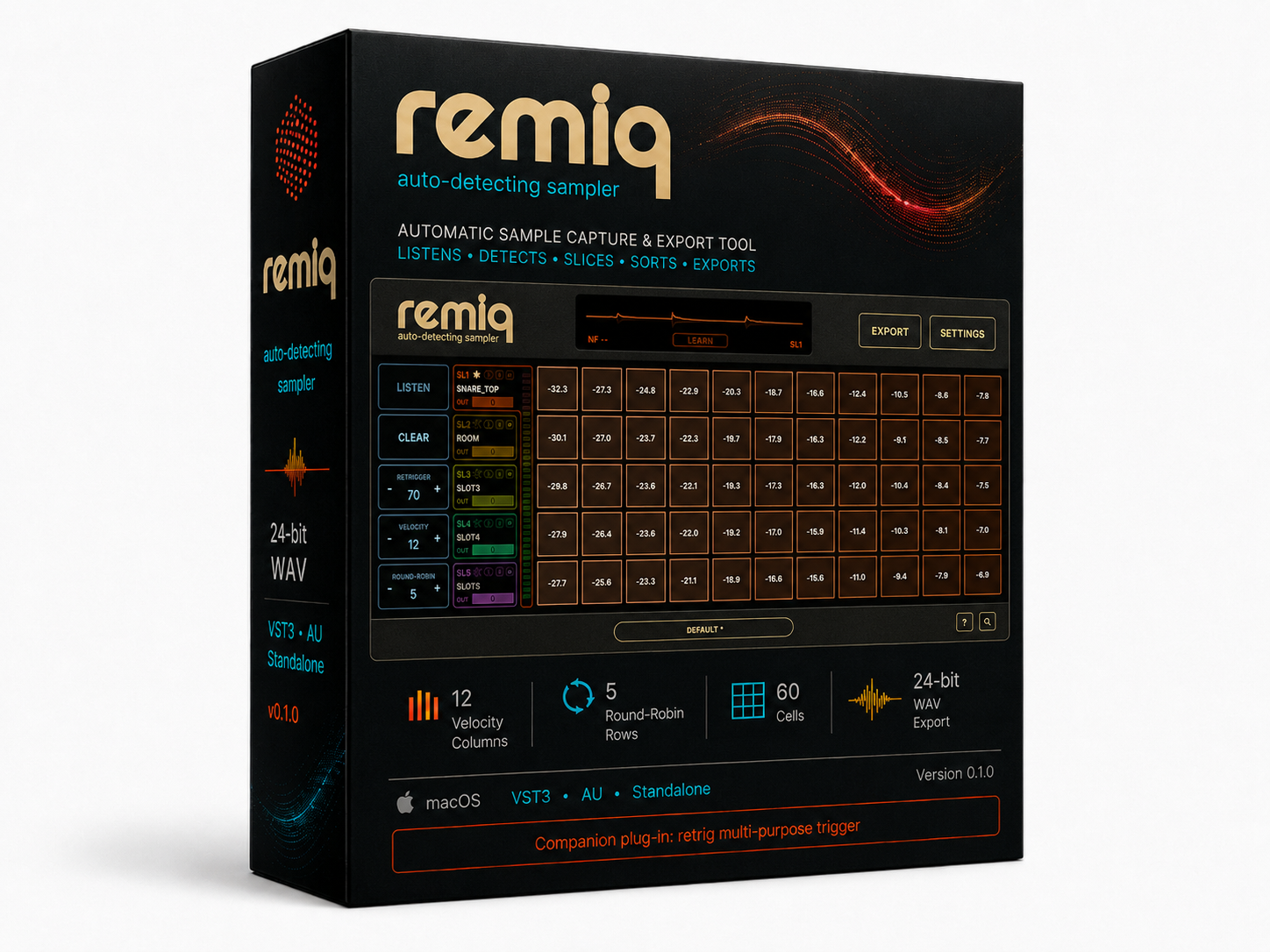
Remiq AD Sampler software box

Auto-detecting sampler

Remiq AD Sampler

Capture hits from any audio input, automatically organize them by velocity and round-robin variation, then export clean 24-bit WAV sample sets ready for production.

$29
  • macOS / Windows standalone app
  • Up to 5 mono or stereo recording slots
  • LEARN noise floor capture
  • 24-bit WAV export

Apple notarization and Windows signing are still in progress. The installer may show security warnings; use the included installation guide.

BuyTry
New free upgrade
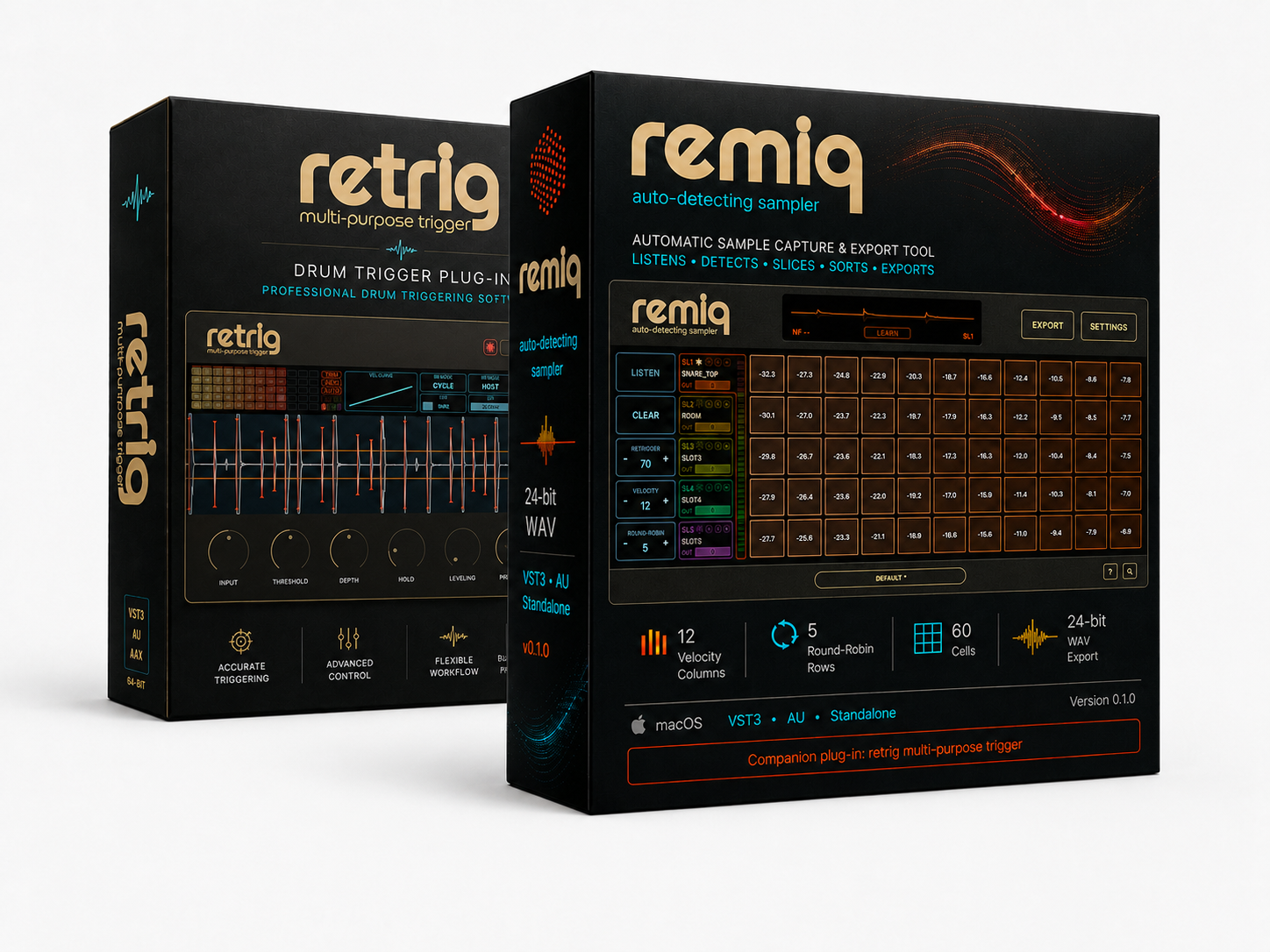
Retrig + Remiq Bundle software box

Trigger + Auto-Detector

Retrig + Remiq Bundle

Fix real drums, build your own sample libraries, and play rhythm live from a mic input. Capture, prepare, export and trigger custom drum and percussion samples in one workflow.

$59
  • Retrig: macOS VST3 / Audio Unit
  • Remiq: macOS / Windows standalone app
  • Includes Retrig Live Mode + Remiq sample capture workflow.
  • Sample Pack

Apple notarization and Windows signing are still in progress. The installer may show security warnings; use the included installation guide.

Buy

Permanent license

Buy for$59

Two permanent licenses: Retrig MP Trigger and Remiq AD Sampler together with bundle pricing.

By continuing, you accept the Public Offer.

The installer places the plug-in files on your system. Activate with a trial key or a purchased license.

Contact support

Version history

Retrig MP Trigger

0.9.4 beta

July 5, 2026
Input and live workflow
  • Added Input gain control for setting the incoming trigger level before detection.
  • Added LIVE/STUDIO modes for low-latency live playing or more conservative studio triggering.
  • Updated the default Max Suppression value to 24 dB for a more practical starting point.
Meters and UI
  • Adjusted meter positioning and active knob scale outlines for clearer visual feedback.
  • Updated the manual with the new Input gain and LIVE/STUDIO workflows.

0.9.3 beta

June 16, 2026
Matrix and clamp
  • Loaded samples and matrix state now persist after reopening a DAW project.
  • Clamp now limits the velocity range, while sample selection happens inside the clamp range.
  • Manual matrix moves are handled correctly: if a sample is moved to a new column, clamp and indicators use that column.
Slots and playback
  • Clamp settings are now independent for each of the 4 slots.
  • Playing-cell indication now follows the active slot, so audio and highlighting match.
  • Slot buttons show empty, filled, active and muted states.
  • Double-clicking a slot button mutes that slot; muted slots do not play or preview from cell clicks/drags, and their matrix cells are visually dimmed.
Browser and mapping UX
  • Disabled cells are easier to distinguish from both active and empty cells.
  • Folder rows now include a reserved star area before the arrow; hover and direct star hover states make Favorites clearer.
  • Clicking the star adds or removes a folder from Favorites without opening the folder.
  • Favorite folders appear in PLACES, with an add/remove current folder toggle.
  • Long folder names are truncated with reserved room for the star and arrow.
  • Favorites are saved globally in ui_settings.properties instead of the DAW project.
  • For tag-based matrices, V and R buttons are disabled because tags control the layout instead of auto-priority.

0.9.2 beta

June 12, 2026
Sample Browser and BIN
  • BIN now validates whether added samples can fit the active matrix before accepting them.
  • Loading BIN into the matrix now replaces the current matrix cleanly instead of merging with stale cells.
  • Samples in BIN are sorted predictably by velocity and round-robin tags in the filename.
Matrix validation
  • Added stricter checks for velocity tags above V12, round-robin tags above RR5 and duplicate V/RR targets.
  • Auto-mapping now reports clearer errors for duplicate targets, full BIN capacity and too many round robins in one velocity layer.
  • Sample loading order is deterministic, so rebuilding the matrix from BIN gives more repeatable results.
UX and builds
  • Sample Browser close control is now a compact icon button.
  • macOS builds are prepared as universal packages for Intel and Apple Silicon Macs.
  • Retrig MP Trigger version metadata is updated to 0.9.2.

0.9.1 beta

May 28, 2026
Sample Auto-Mapping
  • Improved no-tag sample auto-mapping for libraries without filename metadata.
  • Samples are analyzed by audio level and distributed into velocity columns and round-robin rows more predictably.
  • Mixed tagged and untagged sets now use one consistent audio-analysis strategy when not every file has usable velocity tags.
Sample Matrix UX
  • The matrix is now a fixed 12 velocity columns x 5 round-robin rows layout with no hidden overflow layers.
  • Added AUTO and MANUAL modes, with velocity-first and round-robin-first priorities in AUTO.
  • MANUAL mode supports moving cells, swapping, Cmd/Ctrl drag copy, double-click disable and Option/Alt clear.
  • Added 4 independent matrix slots/layers that can play together as layered samples.
  • Tooltips now show filename, velocity, RR, mapping source, peak, RMS, sample rate, length and path.
AUTO TRIM and AUTO PHASE
  • Added AUTO TRIM toggle: leading silence is detected at load time, mapping uses post-onset loudness and playback starts from the detected onset.
  • AUTO TRIM is reversible and rebuilds the matrix from original files without destructive audio edits.
  • Added AUTO PHASE analysis per sample layer. Existing PHASE remains the master invert on top of auto phase.
  • Auto phase is enabled by default for user samples and no longer needs a visible UI toggle.
State, performance and validation
  • AUTO TRIM and AUTO PHASE states are saved and restored with plugin state.
  • Trim and phase analysis runs only while loading samples or rebuilding the matrix; realtime processing reads precomputed values.
  • Debug build passes with the Mac Xcode shared-code scheme.

Remiq AD Sampler

0.2.0 beta

July 5, 2026
Multi-slot capture
  • Added up to 5 recording slots with separate mono/stereo input assignments, slot meters and output gain.
  • Added velocity / round-robin matrix capture and organized export by slot folders.
  • Added standalone presets for routing, audio setup and capture settings.
Noise floor and tails
  • Added mandatory LEARN noise floor before LISTEN, with countdown animation, NF display and Shhh overlay.
  • Tail recording now follows the learned noise floor, includes a 5 second safety limit and applies fade-out.
  • Improved sample start trimming while preserving timing between direct and room microphones.
Waveform, preview and slot controls
  • Added live/playback waveform display and fixed unwanted mixing between input and sample preview.
  • Separated input monitoring from sample preview output to avoid feedback loops.
  • Added DAW-style Solo and Mute buttons for slots, plus preview crossfade to reduce clicks.

0.1.0 beta

June 4, 2026
Capture workflow
  • Audio input hit detection for drums, percussion, hardware synths and one-shot sources.
  • Velocity x round-robin capture matrix with up to 12 velocity columns and 5 round-robin rows.
  • 24-bit WAV export with organized filenames for the next production stage.