
What Remiq is
Remiq is a fast capture and export tool for building organized sample sets. Use the exported WAVs in Retrig, your sampler, or your DAW.

Audio capture tool
Record drums, percussion, hardware synths or one-shots. Remiq detects each hit, trims the recording, sorts dynamics into velocity and round-robin layers, and exports clean 24-bit WAV files for Retrig, samplers or your next production.
Download Remiq Lite v0.2.0 Free
Remiq is a fast capture and export tool for building organized sample sets. Use the exported WAVs in Retrig, your sampler, or your DAW.
Create your own drum hits with Remiq AD Sampler, then load the exported WAVs into Retrig MP Trigger for replacement, reinforcement and creative triggering.
Open Retrig MP TriggerStandalone capture UI
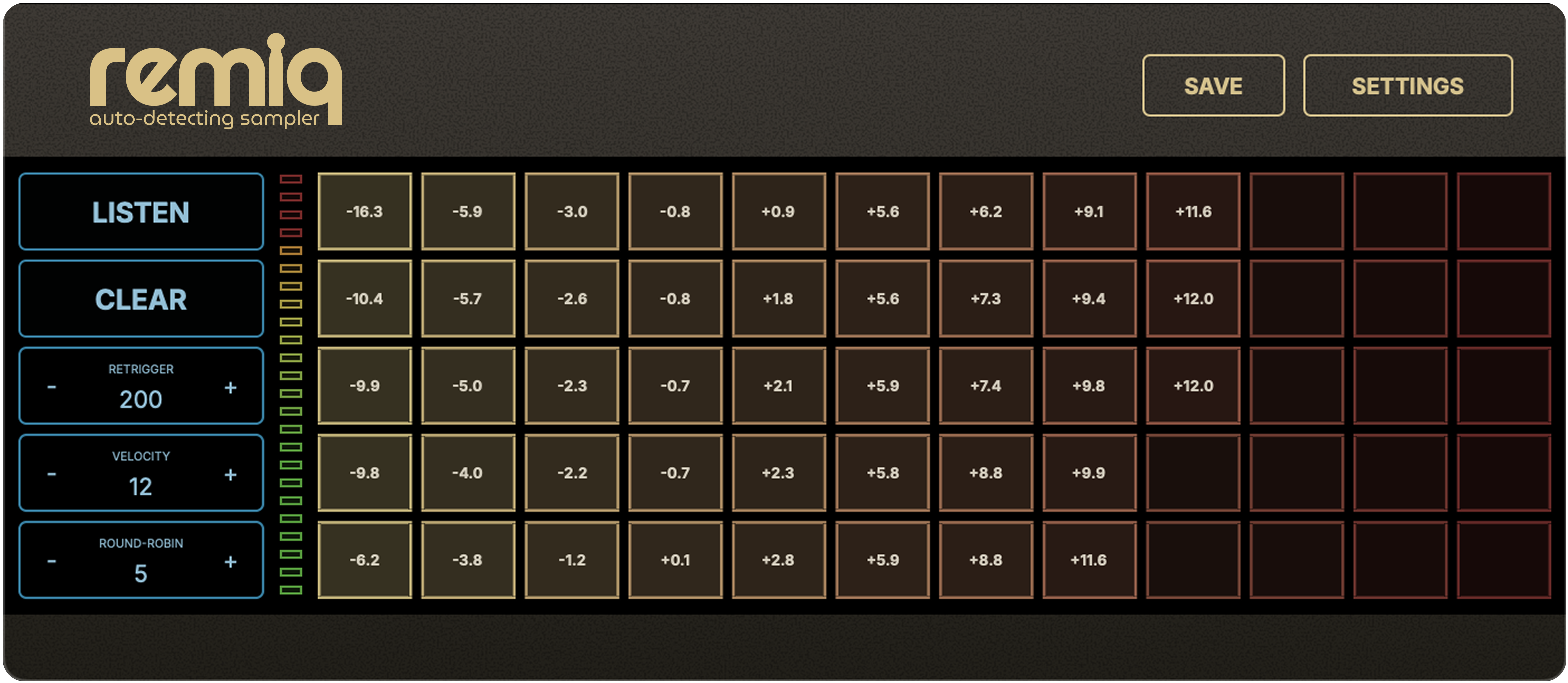
The interface keeps capture controls on the left and the sample matrix in the center, so you can watch levels, adjust velocity and round-robin count, then save without leaving the main view.
Workflow
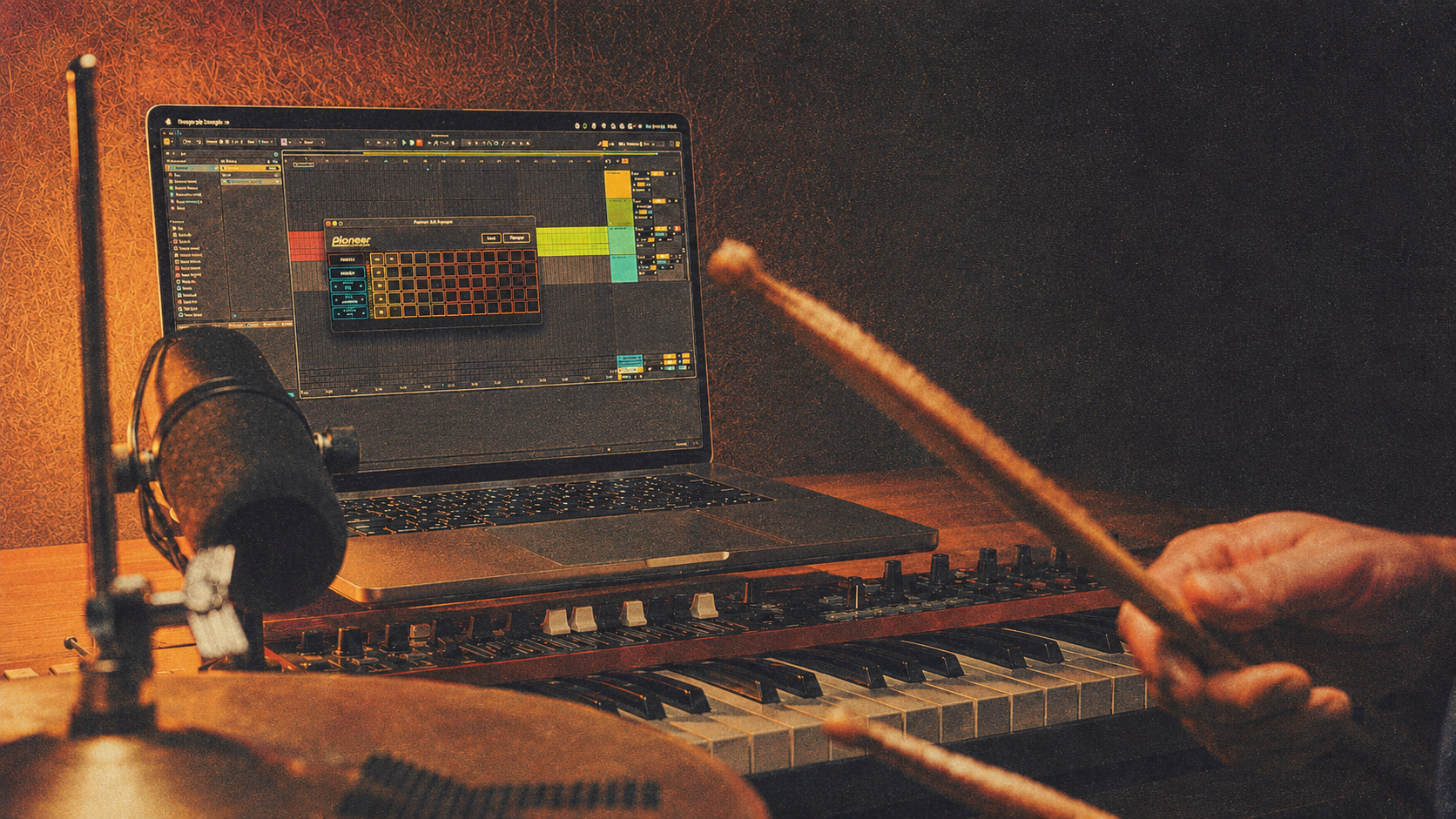
The app is built for fast capture sessions: choose an input, set the matrix, listen for hits, preview the cells and save the final set.
Start with Lite (Free)
Capture engine
Remiq AD Sampler focuses on the repetitive part of sampling: finding attacks, trimming them consistently and keeping dynamics organized.
Audio detection separates individual strikes from a live recording pass so you do not need to cut every file by hand.
Captured hits are arranged into a matrix with up to 12 velocity columns and 5 round-robin rows.
Record up to five mono or stereo input slots at once, with one lead slot driving capture while other microphones or layers stay in sync.
Measure active slot inputs before recording, then use that floor to separate real hits from background noise and decide when tails have returned to silence.
Matching cells across active slots belong to the same performed hit, so close, overhead and room microphones stay organized together.
Exports slot folders with predictable velocity and round-robin filenames such as name_v01_rr01.wav, ready for Retrig, samplers or your DAW.
Apple notarization and Windows code signing are still in progress for the beta builds. macOS Gatekeeper, Windows SmartScreen or your browser may show security warnings during installation.
Start building your own drum sample library today. Capture real hits, export clean WAV sets, and use your own multi-layered sample libraries with Retrig MP Trigger.