
01
Fix real drums
Enhance weak kicks, snares and toms while keeping the original performance.

Beta Access

Keep the performance. Change the drum sound.
Retrig MP Trigger helps you reinforce real drum recordings with your own samples, preserve dynamics and ghost notes, control bleed, and perform new parts in Live Mode from a microphone input.
01
Enhance weak kicks, snares and toms while keeping the original performance.
02
Capture and export custom velocity and round-robin sample sets with Remiq.
03
Trigger samples from a mic input instead of drawing MIDI notes.
Plugin UI
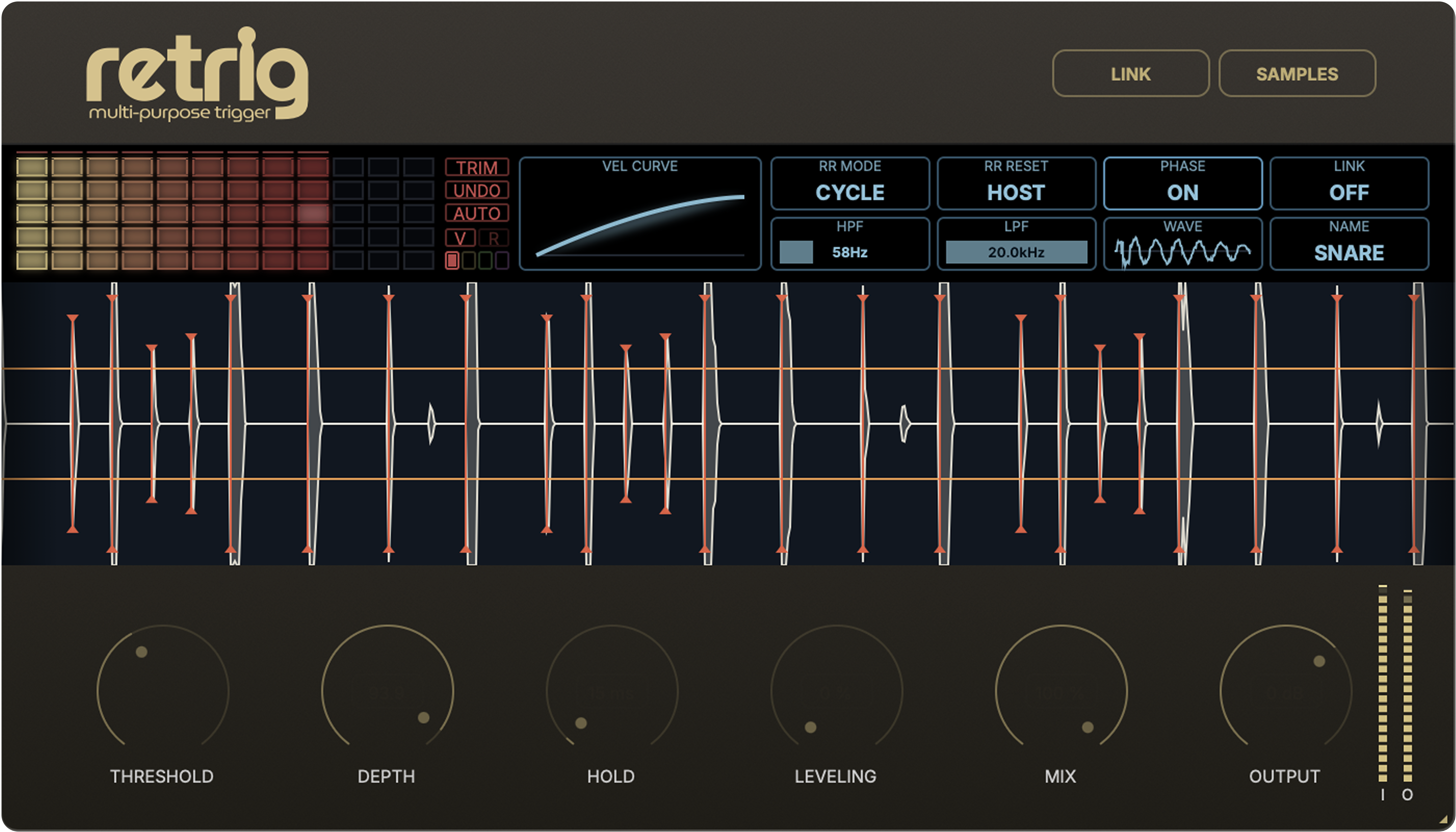
Retrig MP Trigger detects hits in live drum recordings and triggers your own samples, making drums sound bigger, tighter and more studio-ready. All key controls — detection, dynamics, mix and bleed control — stay within reach, without complex menus or routing-heavy workflows.
Audio Demos
Select an example, play the plugin result, switch to bypass, then blend in full mix to hear it in context.
Play
Plugin
Compare the raw drums, Retrig MP Trigger result, and the full music context.
Features
Retrig MP Trigger helps you quickly enhance or replace drums in a live recording, keep the natural feel of the performance and control mic bleed without complicated routing.
01
Use your own hits, session recordings and favorite sample packs. Drag, preview and build the drum sound that actually fits the track.
02
Your samples are automatically organized by loudness, and the velocity curve helps you shape the density, punch and character of the drums. Preserve the live performance, lift softer hits or make the part sound tighter and more powerful.
03
Retrig MP Trigger helps preserve ghost notes, fast rolls and natural accents. Shape the dynamic response so replacement does not turn the part into a flat sequence of identical hits.
04
Shape how the part responds to soft, medium and hard hits. Velocity Curve, Leveling and Matrix Range Clamps help make drums smoother, tighter or more natural — without rebuilding the kit.
05
Instance Link lets multiple plugin instances communicate with each other, helping Retrig MP Trigger separate real hits from bleed coming through nearby microphones.
06
Key controls stay right in front of you: detection, filtering, phase, round-robin, waveform preview, instance names and link status. Retrig MP Trigger keeps the workflow fast and clear while still giving you the tools for precise adjustment.
Creative Triggering
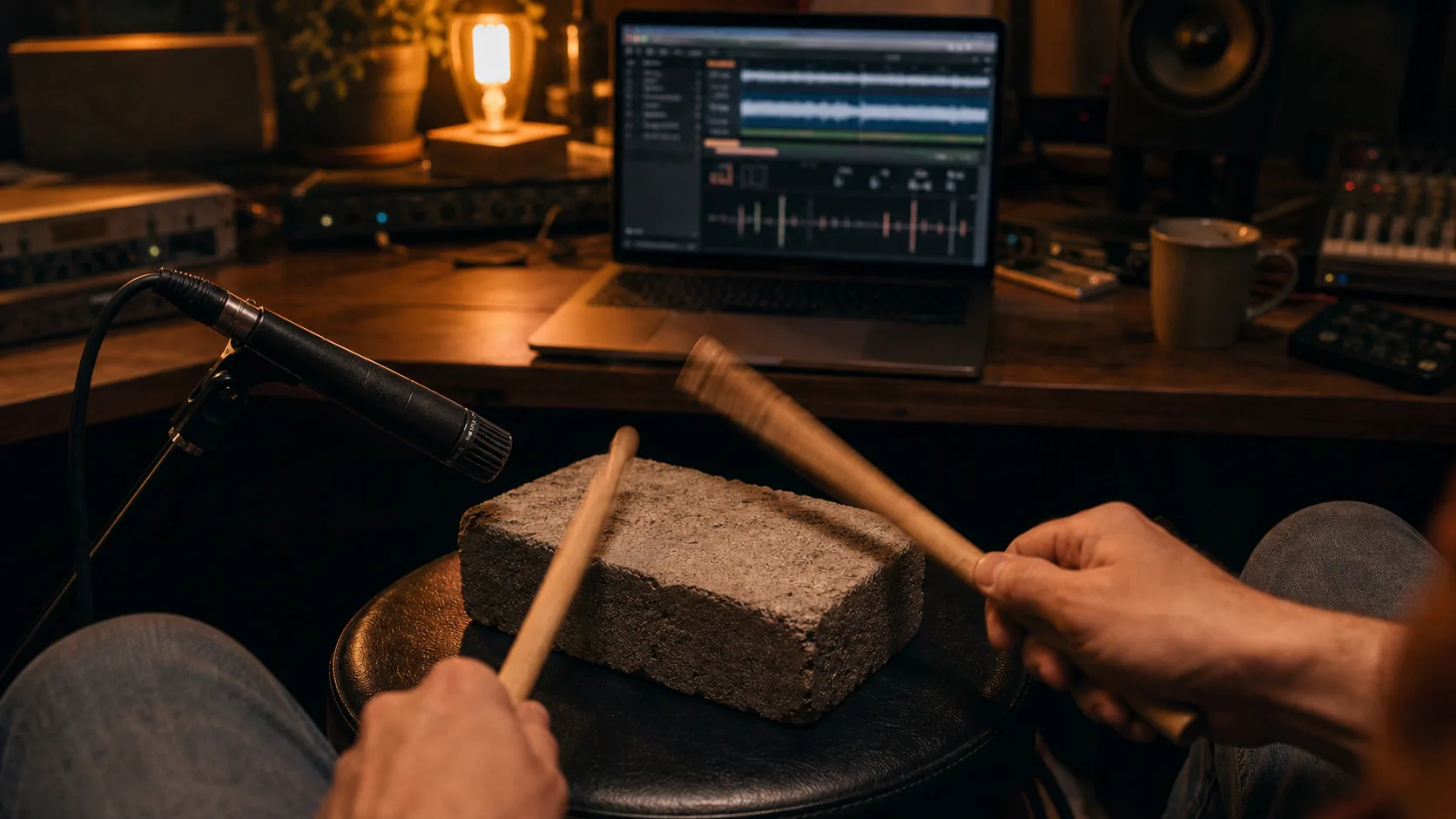
Use Retrig Live Mode to trigger samples from a microphone input. Tap sticks on a desk, book, practice pad or any object with a clear attack, and record percussion parts with real timing, accents and ghost notes.
This keeps the workflow close to playing an instrument: perform the part, keep the feel of the take, and use samples that fit the production.
For the most natural playing feel, use the lowest practical latency setting in your DAW and audio interface while recording the trigger performance.
Need to quickly make your own multi-layered playable sample sets? Remiq AD Sampler captures, trims and exports them for your next session.
Explore Remiq AD SamplerDownload the macOS or Windows build, get a 7-day trial key and test the plugin in real projects. When you are ready, unlock it with a permanent license.
$39
Download the macOS or Windows build, get a 7-day trial key and test the plugin in real projects. When you are ready, unlock it with a permanent license.